 Bade's Mod Shop
Replay Keys
Icon pack and board In development
15 pixel-art keys for game capture, and a board that saves replays, records and screenshots with the NVIDIA app.
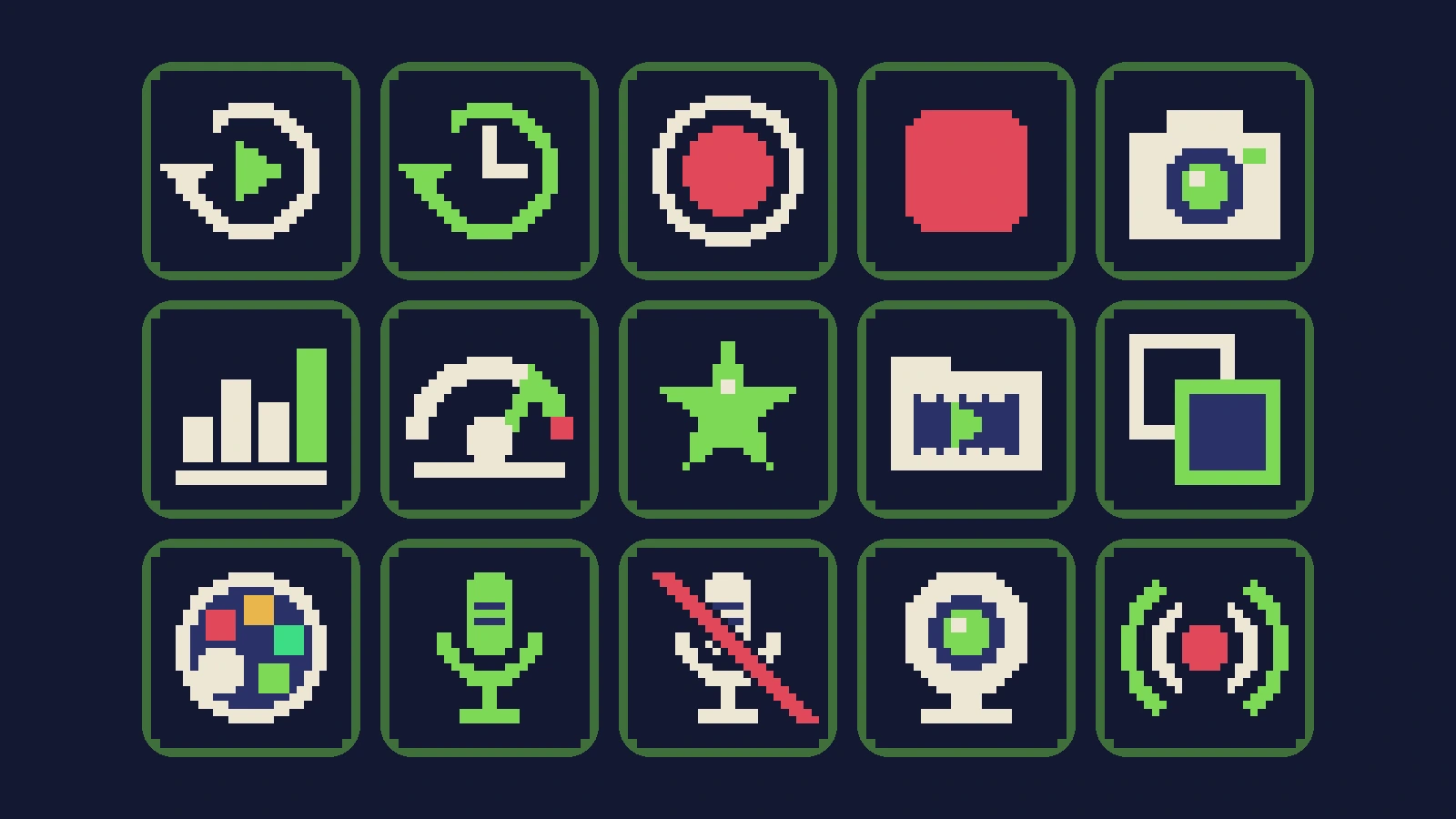
What it does
- Fifteen keys drawn pixel by pixel: save replay, instant replay, record, stop, screenshot, stats, FPS, highlights, clip library, overlay, filters, mic on and off, webcam and go live.
- The Replay Board: seven keys already set to the NVIDIA app's shortcuts. Import it and press.
- Search tags in Stream Deck, so "clip" or "rec" finds the right key.
- Crisp at every key size, from Stream Deck Mini to XL.
Set it up
In development. Coming to Elgato Marketplace.
- Double-click the .streamDeckIconPack file. Stream Deck installs the pack.
- For the ready board, double-click the .streamDeckProfile file and pick your Stream Deck.
- To use a single icon, click a key's image in Stream Deck, choose the pack, and pick the icon.
Support development
Free projects stay free. Tips fund new widgets, plugins and updates.
Tip in SOL
73jwsxMDvQMAiGdVpiRuCj6FgmSVHoqQy9bTMmNkMJGH
Tip in ETH
0xCfECCb807ac283D4A949e27a0D687f657d00CfA0
Tip in BTC
bc1q6cyvqz4kpgv4zqeelgq55xnsmjgg6utf0f3aat
Send each coin only to its own address, on its own network. Crypto transfers cannot be reversed.