 Bade's Mod Shop
Phosphor
iCUE widget In development
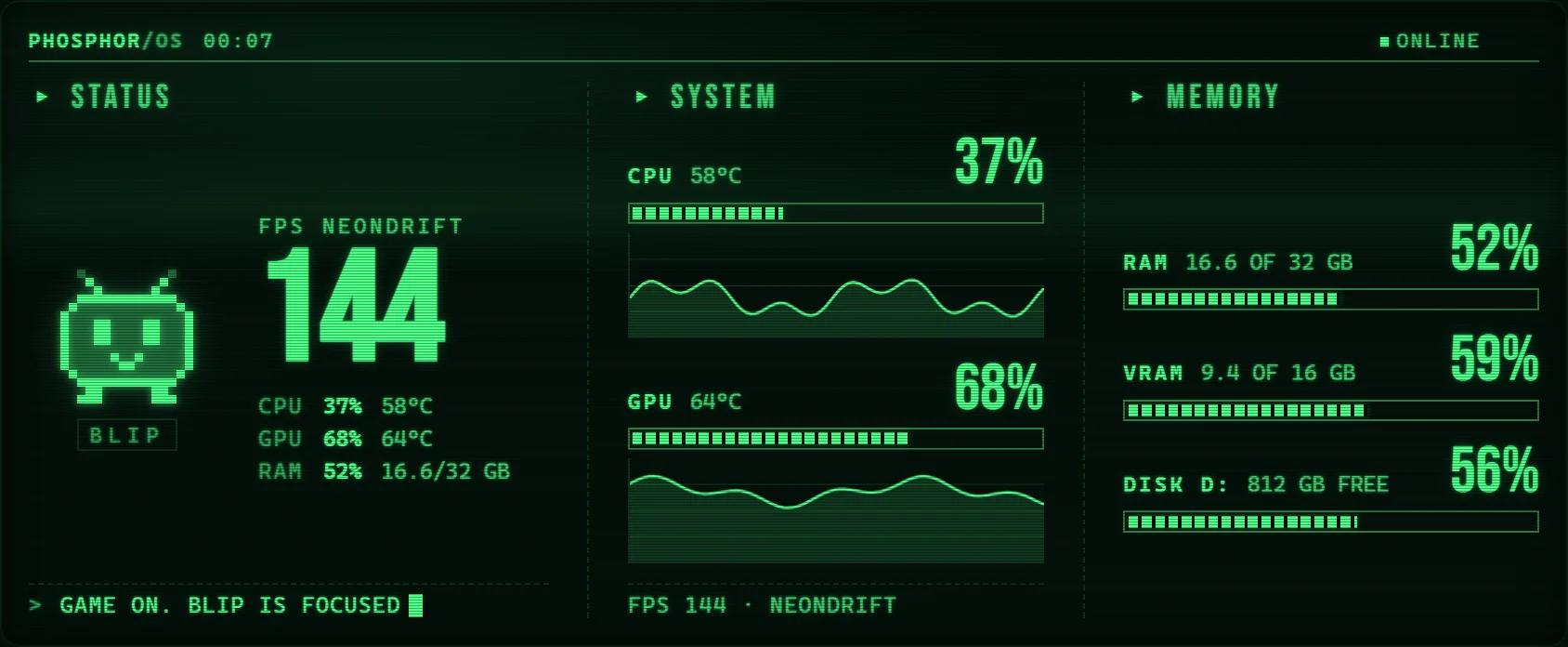
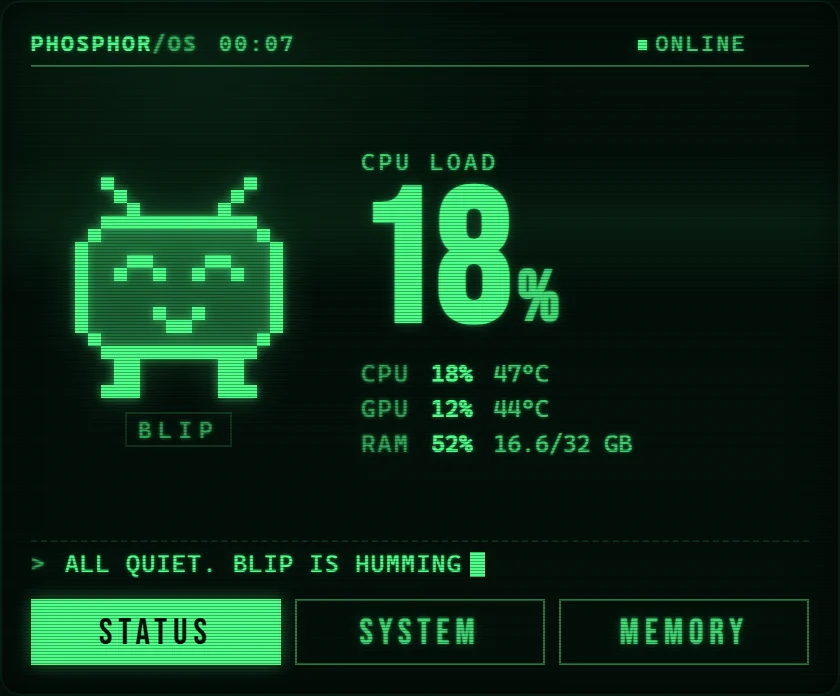
Your PC stats on a green-screen terminal, kept company by Blip, a pixel critter that reacts to the load.
What it does
- A green CRT look: scanlines, a soft glow, a rolling scan bar and curved-glass edges. One switch turns the effects off.
- Three touch tabs: Status, System and Memory. Large and Extra Large slots show all three at once.
- FPS of the game in front, CPU and GPU load with temperatures, RAM, VRAM and disk space, with three minutes of history for CPU and GPU.
- Blip naps when the PC idles, hums along under light load, runs when it is busy, focuses when you game and sweats when things run hot.
- Any colour you like: set the phosphor to amber, white or ice blue in the widget settings.
Set it up
- Open iCUE and select the Xeneon Edge.
- Open the widgets section and press the plus button.
- Pick the .icuewidget file you downloaded, or install it straight from Elgato Marketplace inside iCUE once it is listed there.
- Drag the widget into a slot. Hold it to open its settings: colours, transparency and what it shows.
Permissions
iCUE asks you to approve these when you install. Here is what each one is for. Everything stays on this PC unless a line says otherwise.
- Sensors plugin
iCUE Sensors plugin - Reads the CPU temperature sensor you pick in the widget settings. Why: Shows CPU temperature without another monitoring app.
- FPS plugin
iCUE FPS plugin - Reads the frame rate and name of the app in front, measured by iCUE. Why: Shows your FPS live without running another overlay.
- Local helper app
localhost:13509 - Talks to a small helper app on this PC. It answers only widgets on this PC and never opens anything to the internet. Why: Reads CPU, GPU and memory load, GPU temperature, VRAM and disk space, which iCUE widgets cannot read themselves. Swipe between Edge pages even when your finger starts on this widget. iCUE alone only swipes from the gaps between widgets.
- Open links
iCUE URL plugin - Opens a link or an app when you tap. Why: Starts the helper app if it is not running, so the widget fixes itself.
Support development
Free projects stay free. Tips fund new widgets, plugins and updates.
Tip in SOL
73jwsxMDvQMAiGdVpiRuCj6FgmSVHoqQy9bTMmNkMJGH
Tip in ETH
0xCfECCb807ac283D4A949e27a0D687f657d00CfA0
Tip in BTC
bc1q6cyvqz4kpgv4zqeelgq55xnsmjgg6utf0f3aat
Send each coin only to its own address, on its own network. Crypto transfers cannot be reversed.